



Search across every index
Find a name in the vehicle, weapon, character, location or wildlife lists from one search box.
GTA VI PLAYER REFERENCE
Explore Grand Theft Auto VI through a fast, searchable guide to vehicles, weapons, characters, locations and wildlife. Find what you need without the noise.
 GTA VI BASE / PLAYER REFERENCE
01 / THE DATABASE
Five focused indexes let you move from a name to the right category without digging through unrelated articles.

02 / VEHICLE INDEX
The vehicle index can be filtered by class. Browse the largest groups or open the full list to search a specific name.
03 / THE WORLD
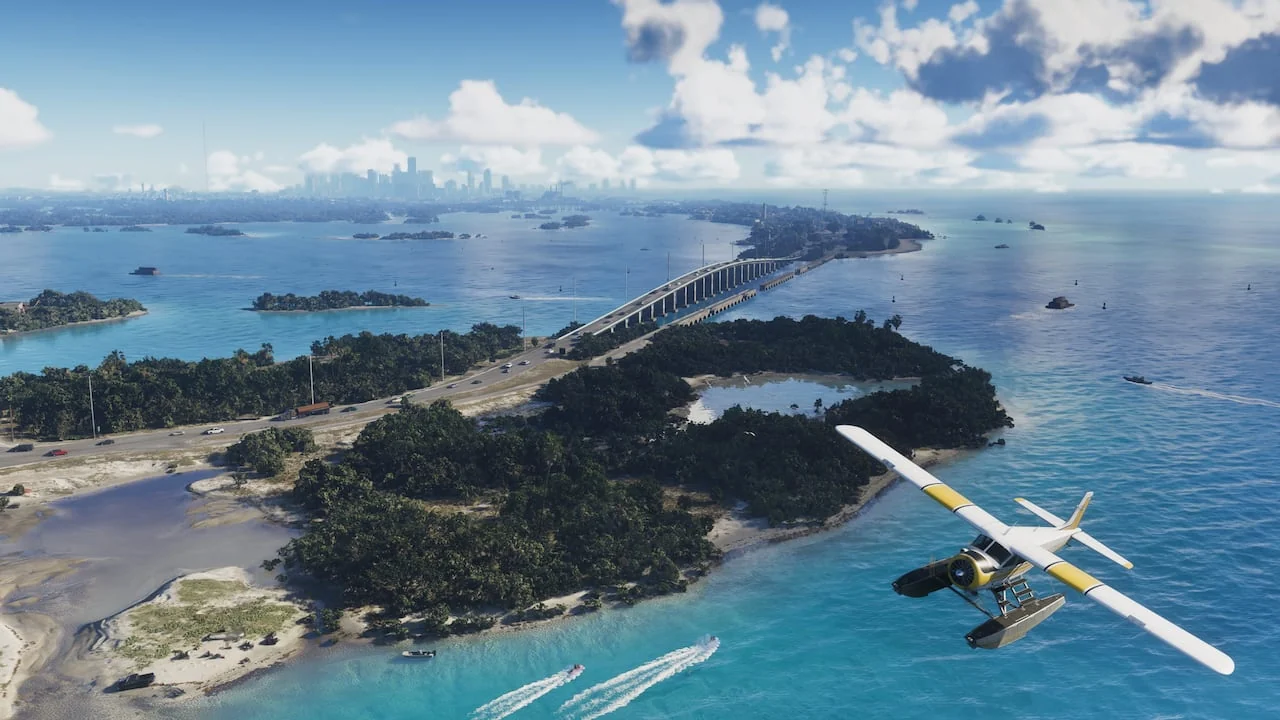
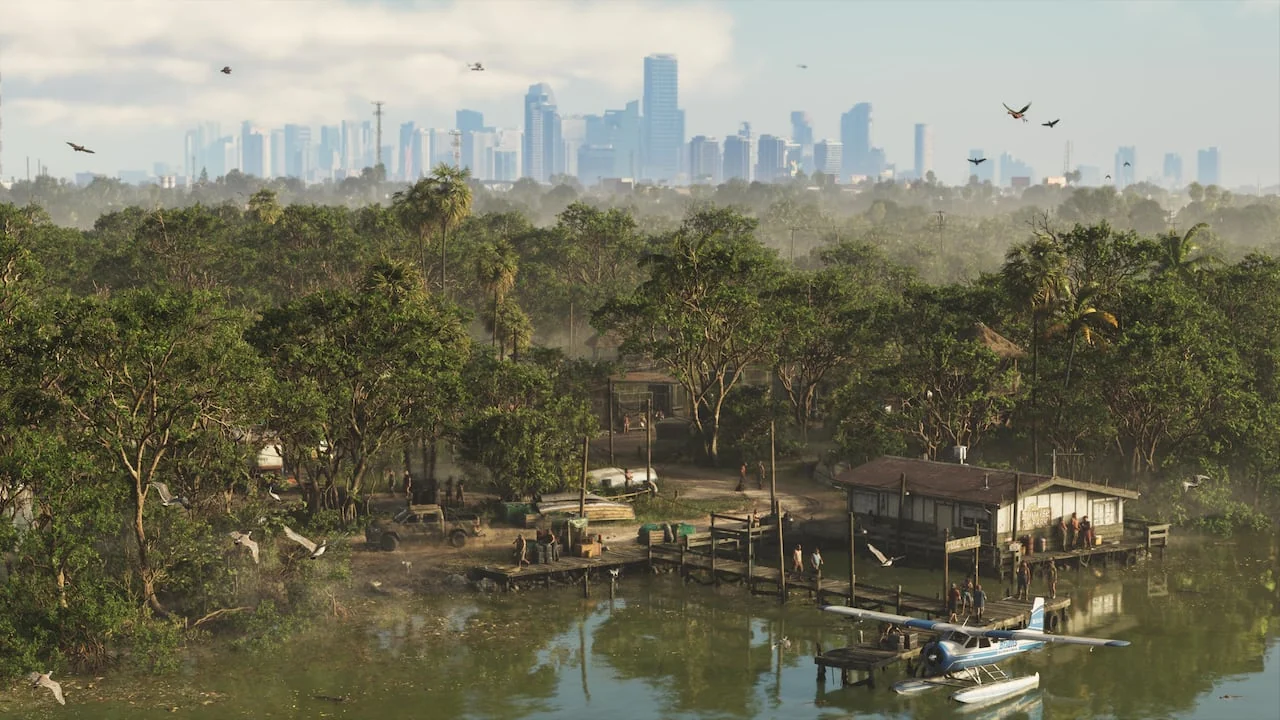
From city lights to the coast and the wetlands, explore the places that give GTA VI its setting.

04 / BUILT FOR QUICK ANSWERS
Find a name in the vehicle, weapon, character, location or wildlife lists from one search box.
Select up to three vehicles and inspect their classes and listed manufacturers together.
Compare vehicles05 / PEOPLE & PLACES
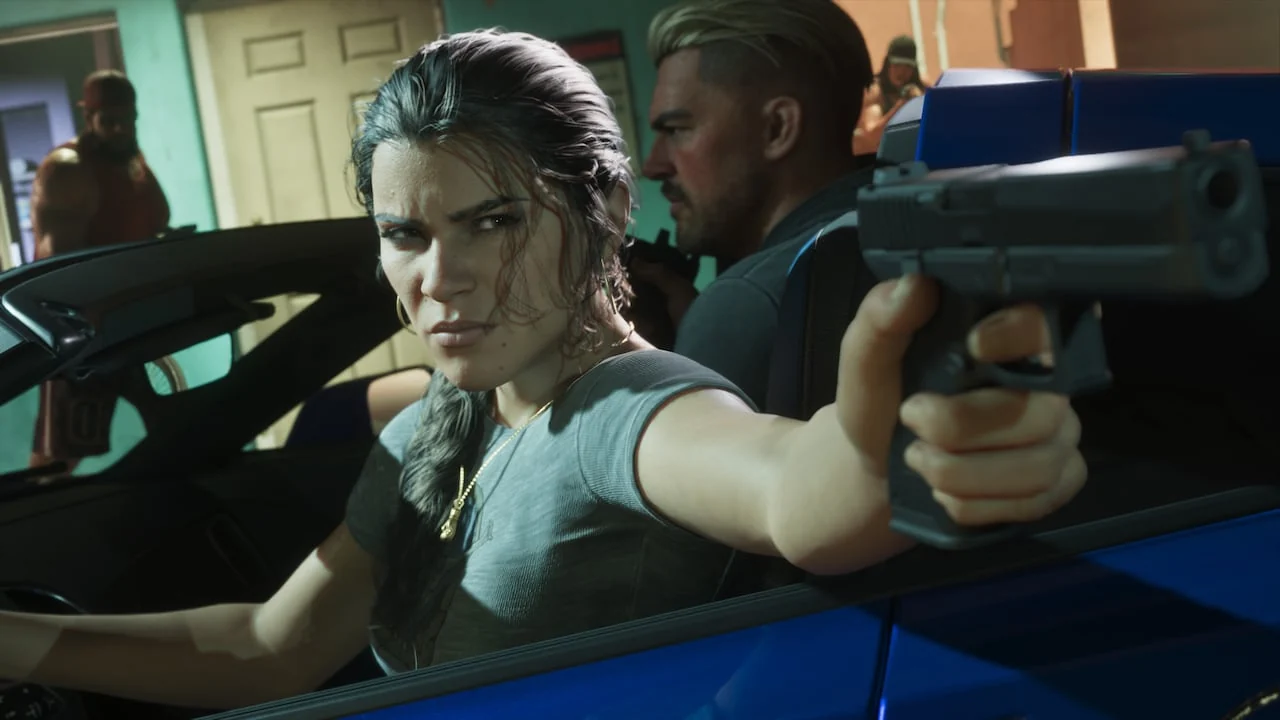
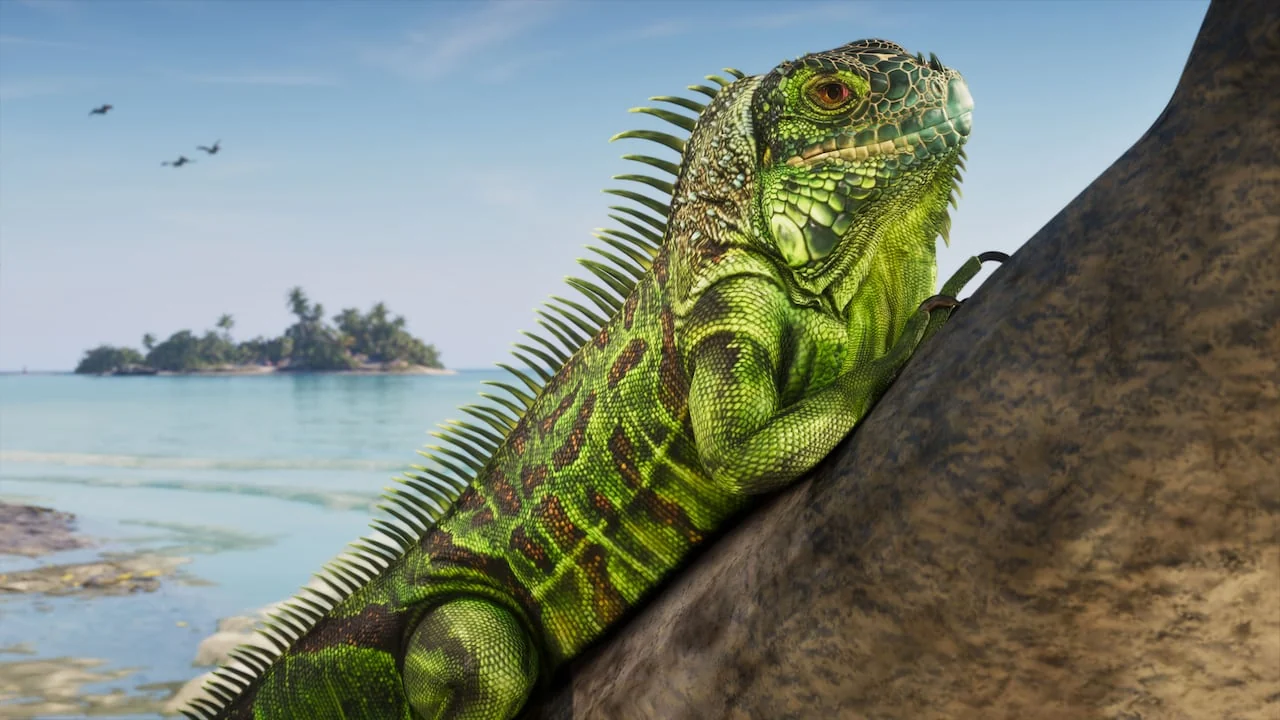
Jump between the cast, named places and wildlife of GTA VI.
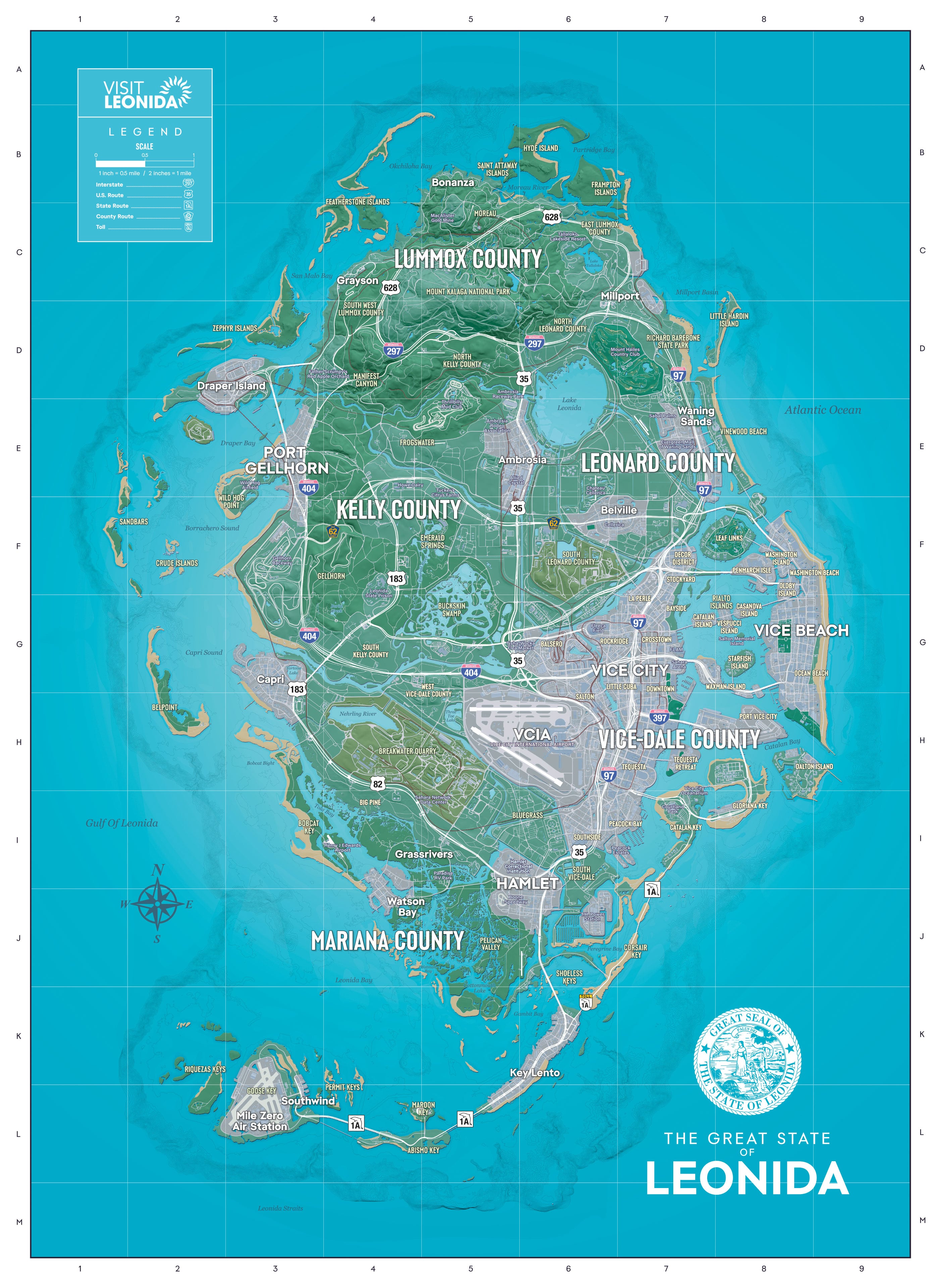
06 / INTERACTIVE MAP
Search the GTA 6 interactive map, filter location categories and mark places as found while you explore Leonida.
07 / ONE CLEAR WORKFLOW
The reference is designed around the way players search: choose a collection, narrow the results, then open a focused entry.
Start with vehicles, weapons, characters, locations or wildlife.
Use a name or category to remove everything you do not need.
Move to a dedicated page or compare selected vehicles side by side.
08 / QUICK QUESTIONS
Open the vehicles index, enter a name or select a class such as boats, motorcycles or SUVs.
Yes. Select up to three vehicles in the vehicle index to compare their listed class and manufacturer.
You can browse weapons, characters, named locations and wildlife, each with its own search and category filters.
Yes. Open the Leonida map to search locations, filter categories, zoom and keep track of places you have found in this browser.
Yes. The character and location indexes provide searchable lists with dedicated pages for every catalog entry.
GTA VI BASE
Open the player desk and search the full catalog.